
Search for “osint framework” and you will find a site that looks, at first glance, like a mind map. That is exactly what it is. The OSINT Framework is not a scanning tool, a database, or a piece of software you install. It is a free, open directory that organises hundreds of open-source intelligence tools by the thing you are investigating: a username, an email address, a domain name, an IP address, an image, a social network account, and dozens of other starting points.
That distinction matters. If you open the framework expecting it to investigate something for you, you will be disappointed. If you open it when you already have a starting point and you need to know which tool fits that starting point, it is one of the most useful orientation resources in open-source intelligence. WarBrief readers search for it for exactly that reason: our own coverage is built on the same kind of verification, from internet scanning to ship tracking, and the framework is the map that sits behind much of that work.
What is the OSINT Framework?
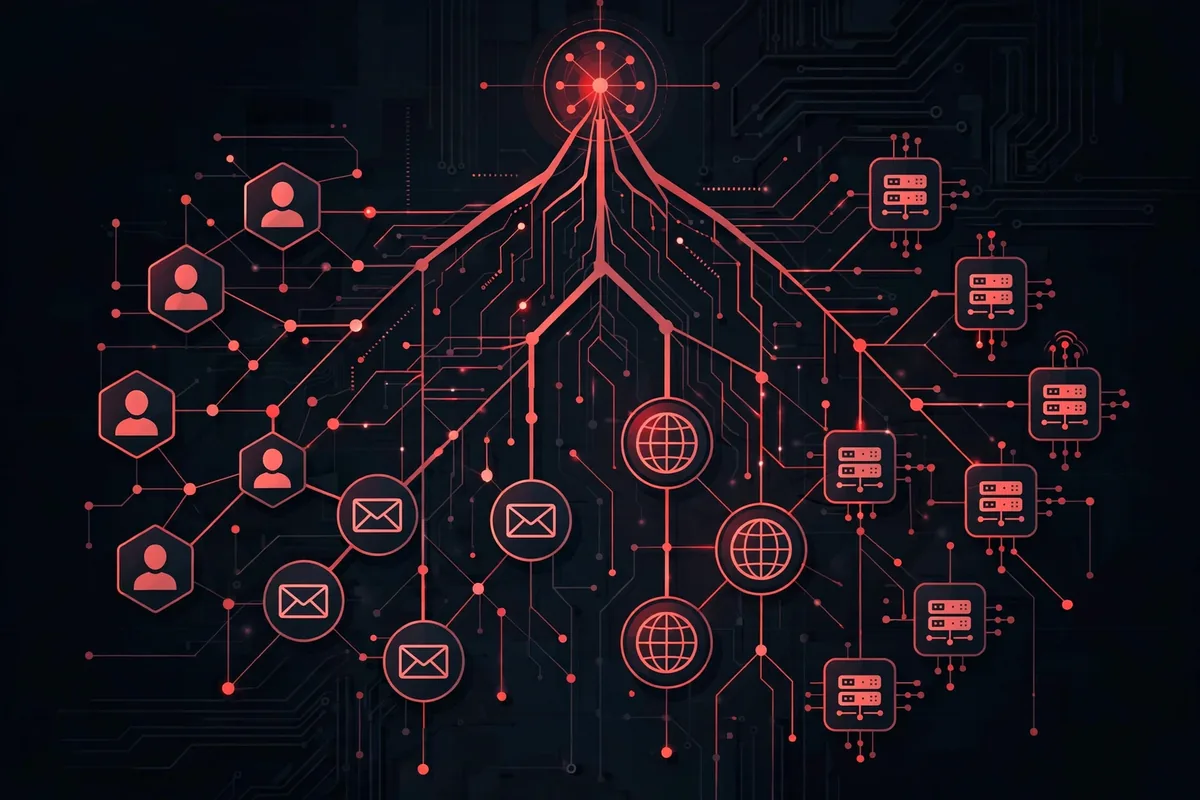
The OSINT Framework, at osintframework.com, presents its catalogue as a tree. The top level is the target of your investigation. Each branch then subdivides into more specific resource types, and the leaves of the tree are links to actual tools, databases, and services you can use. The framework itself does not run those tools. It catalogues independent services built by other people and organisations, and it points you to them.
The project is open source, with its source maintained publicly on GitHub, and it has been widely referenced by security researchers, journalists, and analysts for years. Its value is curation: instead of searching the web for “tools to check a username” and sorting through outdated blog posts, you start from the target type and follow the branch to tools that other investigators have already found useful for that exact job.
How the framework is organised
The tree starts broad and gets specific. Here are the branches conflict and security analysts use most, with the kind of tool each branch leads to:
| Starting point | What the branch leads to |
|---|---|
| Username | Presence checks across social networks, such as Sherlock and Maigret, which test whether a username exists on hundreds of platforms. |
| Email address | Breach checks such as Have I Been Pwned, and services that show which accounts are registered to an address. |
| Domain name | WHOIS records, DNS history, subdomain enumeration, and harvesters such as theHarvester, which collect emails, subdomains, and hostnames from public sources. |
| IP address | Internet scanning services such as Shodan and Censys, which index exposed hosts, open ports, certificates, and banners. |
| Images and video | Reverse image search, metadata readers, and geolocation techniques for working out where a photo or clip was taken. |
| Social networks | Platform-specific search and archiving tools for posts, accounts, and networks of accounts. |
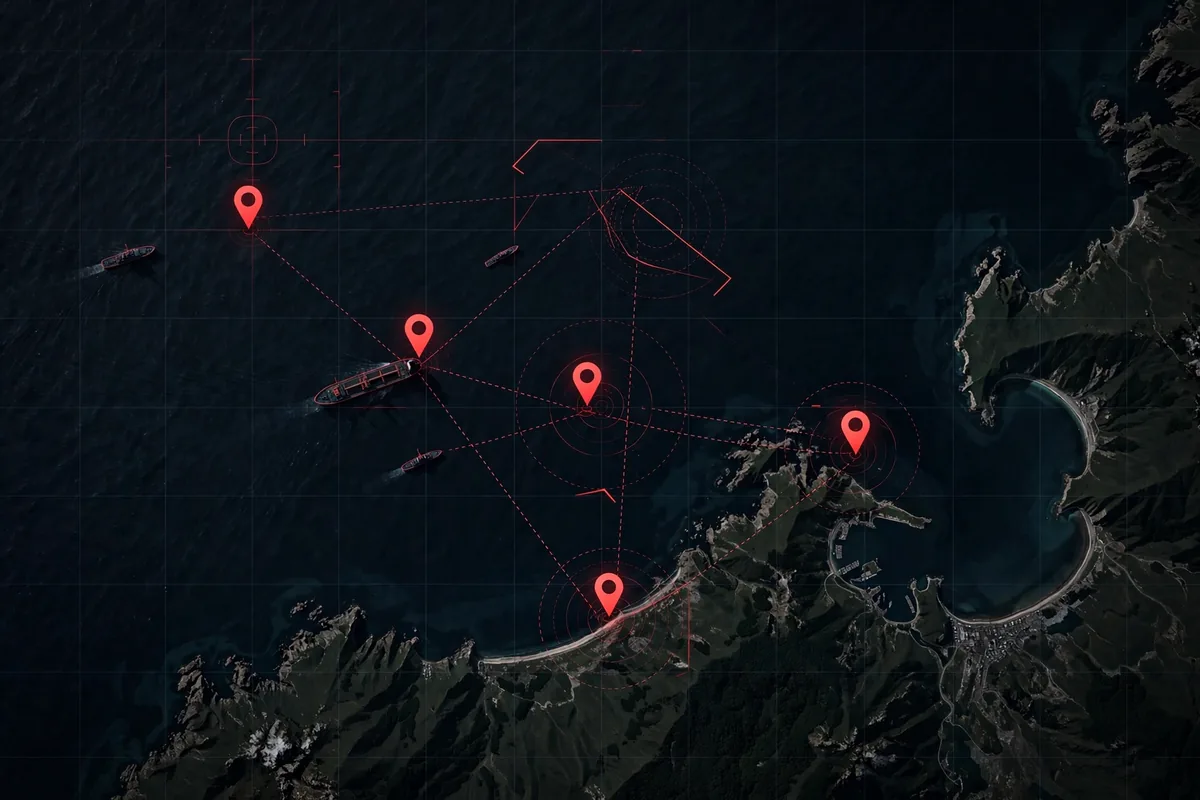
| Geolocation and maps | Mapping, satellite imagery, and maritime and aviation tracking tools for placing people, ships, and aircraft in space and time. |
| Dark web and digital currency | Specialised search and tracing resources for onion services, marketplaces, and cryptocurrency transactions. |
Two things follow from that structure. First, you do not need to learn every tool. You need to learn how to pick the right branch, then learn the two or three tools on that branch that fit your question. Second, the framework is only as current as its maintenance. Tools appear, change their pricing, or disappear, so a leaf that worked last year may be dead today. Check the tool itself before you build a workflow around it.
WarBrief has covered several of these branches in depth. Our Censys guide explains how analysts investigate conflict zones with internet scanning, our internet scanning explainer shows how exposed infrastructure is found, and our ship-tracking guide walks through free tools for following vessels. The OSINT Framework is the directory that connects those separate guides: Censys, Shodan, and theHarvester are all leaves on the same tree.
How conflict analysts actually use it
A typical conflict-verification workflow does not start with the framework. It starts with a claim: a video said to show a strike, a username spreading a rumour, a ship said to be carrying sanctioned oil, a domain linked to a propaganda network. The analyst then works backwards:
1. Name the starting point. Is the evidence a photo, a username, a domain, or an IP address? The answer picks the branch. Starting from the wrong branch wastes the most time in OSINT work.
2. Follow the branch to two or three tools, not twenty. Run the same check in more than one tool where possible. If a username exists on the same platforms in Sherlock and in a second checker, that agreement is stronger than either result alone.
3. Cross-check with a different kind of evidence. A social account is not a location. A domain registration is not proof of ownership. Pair the framework’s tools with satellite imagery, shipping data, or archived pages before drawing a conclusion. That is why our Censys vs Shodan comparison stresses using both scanners together rather than trusting one index.
4. Record the source and the date. OSINT results change. A page that exists today may be deleted tomorrow, and a tool’s index may update overnight. Analysts who do not record what they saw, where, and when cannot defend their conclusions later, and neither can a newsroom.
5. Stop at public data. The framework catalogues tools for publicly available information. If a workflow needs private messages, hacked databases, or credentials, it has left OSINT and entered territory that raises legal and ethical problems. WarBrief does not publish material obtained that way, and neither should an analyst who wants their work to be trusted.
What the OSINT Framework cannot do
It cannot scan anything itself. It cannot verify a claim on its own, because a link to a tool is not evidence. It cannot tell you whether a result is true, only where you might look. And it cannot replace judgement: two tools can return different answers about the same username or domain, and the analyst still has to decide which answer fits the rest of the evidence.
It also cannot keep every tool alive. Free tools are maintained by volunteers, companies, and research teams with their own priorities. A branch may list a tool that now requires a paid account, has changed its interface, or has been shut down. Treat the framework as a starting map, not as a guarantee that every leaf still works.
Finally, it cannot make an investigation legal or ethical by itself. Public data can still be misused. Checking whether an email appears in a breach, mapping someone’s social accounts, or geolocating a photo of a private individual can all cross into harassment or doxxing if the purpose is to target a person rather than to verify a matter of public interest. The test is not whether a tool exists. It is whether the investigation serves a legitimate purpose and whether the result should be published.
How to start in ten minutes
Pick one starting point you already have, such as a username you have seen spreading a claim, and follow only that branch. Open two tools from the branch, run the same check in both, and write down what each returned and when. Then ask what second kind of evidence would confirm or contradict the result, and go and find it before you draw any conclusion. That loop, target to tool to cross-check, is the whole method. The framework just makes the first step faster.
From there, the branches worth learning first for conflict work are domain and IP investigation, image geolocation, and social network analysis. Those three cover most of the verification questions WarBrief deals with: who runs a site, what infrastructure is exposed, where a photo was taken, and who is amplifying a claim.
Frequently asked questions
Is the OSINT Framework free?
Yes. The framework itself is free to browse, and most of the tools it catalogues are free or have a free tier. Some linked tools offer paid plans for deeper access, but the directory does not charge for access.
Is it a tool or a directory?
A directory. It does not scan, search, or investigate anything itself. It organises links to other tools by investigation target, and you use those tools separately.
Do I need to install anything to use it?
No. The framework is a website. Some of the tools it links to are command-line programs, such as theHarvester or Recon-ng, which do need installation, but many are web services you can use in a browser.
Is it legal to use?
Using publicly available information is generally lawful, but the law varies by country and by purpose, and some techniques, such as accessing non-public data or harassing individuals, are not. Use it for verification and research, not for targeting private individuals.
Can it find private information?
No, and that is the point. It catalogues tools for public data. If a result looks private, it was either already public, or the workflow has gone beyond open-source intelligence and should stop.
Sources and further reading
OSINT Framework (osintframework.com) — the directory itself, organised by investigation target.
Recorded Future: OSINT Framework Explained — a structured overview of how the framework categorises tools by source, relevance, type, and context.
OSINT Framework source on GitHub — the open-source project behind the directory.
On WarBrief: Censys Search: How OSINT Analysts Investigate Conflict Zones, Censys vs Shodan: Mapping the Exposed Internet With OSINT, and How to Track Ships with OSINT: Free Tools, Explained.
Discussion 0
Share analysis, corrections, or context. Be civil — comments are moderated.