WarBrief Live | October 2, 2026 | Cyber Intelligence
Check your web server’s access logs on any given week and you may notice a visitor that is not a browser, not a search engine crawler, and not obviously malicious: a user agent called CensysInspect. It arrives from data-center IP addresses, requests your homepage, and leaves. CensysInspect is the declared user agent that Censys, one of the world’s largest internet-scanning platforms, uses when it probes web servers across the public internet. If you are responsible for defending a network, understanding what this scanner is doing — and what it is not doing — will save you a false alarm and might teach you something about your own exposure.
Key Takeaways
- CensysInspect is the user agent Censys uses to identify its HTTP scans:
Mozilla/5.0 (compatible; CensysInspect/1.1; +https://about.censys.io/). - Censys grew out of internet-measurement research at the University of Michigan and now scans the public IPv4 space across all 65,535 ports, aiming for visibility into more than 99 percent of the public internet.
- Seeing CensysInspect in your logs is normal background internet scanning, not evidence of an attack — but user-agent strings can be spoofed, so verify the source before trusting the label.
- Confirm scans against Censys’s published scanner IP ranges, then make a deliberate decision: allow, rate-limit, or block — and use the encounter as a prompt to check what your own organization exposes.
What the CensysInspect user agent actually is
Every request the scanner makes to a web server carries a user-agent string that looks like this:
Mozilla/5.0 (compatible; CensysInspect/1.1; +https://about.censys.io/)
The format follows a long-standing convention among crawlers and measurement bots: declare compatibility with mainstream browsers, include your own identifier, and link to a page explaining who you are. The SANS Internet Storm Center documented this exact string appearing in honeypot and web-server logs as early as 2020, when handler Guy Bruneau noted it as Censys’s alternative to better-known scanners.
The important property is that Censys chooses to be identifiable at the HTTP layer. Rather than disguising its probes as ordinary browser traffic, it announces itself. That makes life easier for defenders: known measurement traffic can be separated from genuinely malicious scanning during triage, which quietly reduces wasted effort in security operations centers.
Who is behind the scans: Censys

Censys began in 2015 as a research project in professor J. Alex Halderman’s computer science lab at the University of Michigan. It was built by researcher Zakir Durumeric as an extension of ZMap, the open-source scanner the same lab had released in 2013 — a tool that demonstrated the entire public IPv4 address space could be scanned in under 45 minutes, a task that had previously taken weeks.
The academic project was spun out as a commercial company in 2017, and its first product, Censys Search, launched the same year. By 2023 the platform reported around 350,000 users, and it has since grown into an attack-surface-management business used by enterprises, researchers, and government customers. Halderman has described the project’s philosophy with a physical-world analogy:
“It’s similar to Google Street View, where we’re gathering what’s already publicly visible and making it available in one place. To extend the analogy, we just take a picture from the sidewalk. We don’t peek in the door, we don’t jiggle the locks.”
In other words, the scanner only records what your systems already volunteer to anyone who connects — service banners, certificates, protocol handshakes. It does not attempt logins or exploit vulnerabilities.
How internet-wide scanning works
The pipeline has two stages. First, a high-speed scanner derived from ZMap sweeps the public IPv4 space to find hosts with open ports. Then an application scanner performs real protocol handshakes — completing TLS negotiations, fetching root web pages, grabbing service banners — and records what each service reveals about itself.
Censys’s public documentation describes the scale of the operation: continuous scanning across all 65,535 ports, aiming for visibility into more than 99 percent of the public internet, refreshed through daily rescans and predictive scanning that revisits hosts likely to have changed. Every banner, certificate, and handshake captured this way is indexed and made searchable — which is what turns raw scanning into an intelligence product. Our Censys vs Shodan comparison examines how analysts query this kind of data in practice.
Why it shows up in your logs
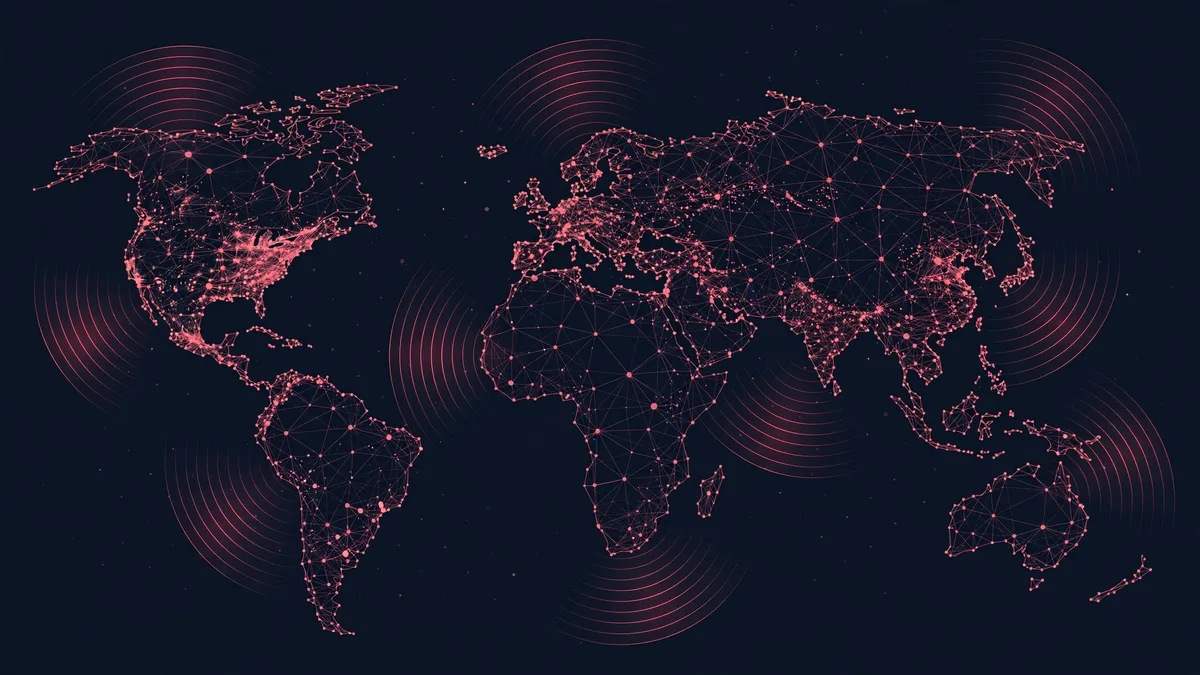
If your organization holds a public IP address with an open web port, Censys will eventually knock on it. That is not targeting; it is census-taking. The entire premise of internet-wide scanning is universality — every reachable host gets probed, from Fortune 500 data centers to a hobbyist’s home server with a forwarded port.
This is worth internalizing because the alternative explanation — that someone is singling you out — is the one that triggers 2 a.m. incident calls. A single GET request for / with the CensysInspect user agent, arriving from a known scanner network, is about as threatening as a census worker ringing your doorbell. The scan itself reveals nothing that was not already public.
Is CensysInspect a threat?
No — the scanning it labels is benign research and commercial measurement traffic. But two caveats keep defenders honest.
First, user-agent strings can be spoofed. Anyone can configure an attack tool to announce itself as CensysInspect. The label in your log is a claim, not proof. Genuine Censys scans arrive from published scanner address ranges, including blocks such as 74.120.14.33–74.120.14.52, 162.142.125.23–162.142.125.57, 167.248.133.33–167.248.133.52, and 192.35.168.193–192.35.168.251. If the string says CensysInspect but the source IP sits outside those ranges and does not reverse-resolve to Censys infrastructure, treat the traffic on its behavior, not its name.
Second, the data Censys collects is dual-use. The same public index that helps your team find forgotten, exposed servers also helps adversaries find them. The scanner is not your enemy, but the exposure it documents might be. Which leads to the most productive response: instead of asking “how do I stop the scanner,” ask “what did the scanner see?” Our guide to investigating infrastructure with Censys Search shows how analysts pivot from a single IP to a full exposure picture — a technique defenders can turn inward on their own networks.
What to do when you see it
Start by verifying. Check the source IP against the published scanner ranges and confirm reverse DNS points to Censys infrastructure. If it checks out, you have three reasonable postures, and the right one depends on your environment:
- Allow and ignore. For most organizations this is fine. Log it, classify it as known measurement traffic, and move on. Your SOC analysts will thank you for one fewer false positive.
- Rate-limit. If scan traffic is noisy against sensitive or fragile systems, throttle it at the edge rather than blocking outright.
- Block. Justifiable on high-sensitivity or air-gapped-adjacent assets — but understand that blocking one scanner does not reduce your exposure. Dozens of other scanners, benign and malicious, will still probe you, and your services remain indexed from every other vantage point.
And critically: use the encounter as an audit trigger. Search Censys for your own organization’s IP ranges and certificates — the same view an adversary gets for free. Anything the scanner found that surprises you is a finding, regardless of which scanner found it. For a systematic approach, see our response guide for CensysInspect in server logs and how internet-wide scanning exposes hidden infrastructure in conflict contexts.
Finally, networks that do not wish to be scanned at all can request exclusion — Censys honors opt-out requests, a practice dating back to its university research days. For everyone else, the healthiest posture is the one its founder described: assume the sidewalk is public, and make sure there is nothing embarrassing visible from it. You can explore more techniques in WarBrief’s intelligence tools hub.
Frequently asked questions
What is CensysInspect?
CensysInspect is the user-agent string that Censys, an internet-scanning company, attaches to its HTTP scans: Mozilla/5.0 (compatible; CensysInspect/1.1; +https://about.censys.io/). Seeing it in server logs means a Censys scanner requested a web page from your server as part of its internet-wide measurement.
Is CensysInspect malicious or a hacker tool?
No. It identifies benign research and commercial scanning. Censys only records information your server already makes public, such as service banners and TLS certificates. However, attackers can spoof any user-agent string, so verify the source IP against Censys’s published scanner ranges before trusting the label.
How can I verify a scan really came from Censys?
Check that the source IP falls within Censys’s published scanner ranges (including 74.120.14.0/24-adjacent blocks documented by the SANS Internet Storm Center) and that reverse DNS resolves to Censys infrastructure. A matching user agent from an unrelated network should be treated as unverified.
Should I block CensysInspect in my firewall?
Usually there is no need. Blocking one scanner does not reduce your internet exposure, since many others scan continuously. Rate-limiting is a reasonable middle ground for noisy or fragile systems; blocking makes sense mainly for highly sensitive assets. Either way, audit what the scanner could see.
How do I opt out of Censys scanning?
Censys honors exclusion requests from network owners — a policy inherited from its University of Michigan research origins. Contact Censys with the IP ranges you control to have them excluded from future scans.
Sources
- SANS Internet Storm Center: An Alternative to Shodan, Censys with User-Agent CensysInspect/1.1
- Wikipedia: Censys — history, ZMap origins, and company background
- University of Michigan: Internet-scanning startup and the “Street View” analogy
- WhatMyUserAgent: CensysInspect bot specifications and user-agent variants
- CyberDesserts: Internet scanner reference — Censys request volume and identification
Read next: Ransomware-as-a-Service Explained: How KillSec Worked — and How Police Took It Down — how criminal affiliate crews, not just state actors, drive today’s cyber threat landscape.